What Is the FBR Invoice QR Code?
Verify invoices at: FBR IRIS Portal | Download: Tax Asaan App (Google Play)
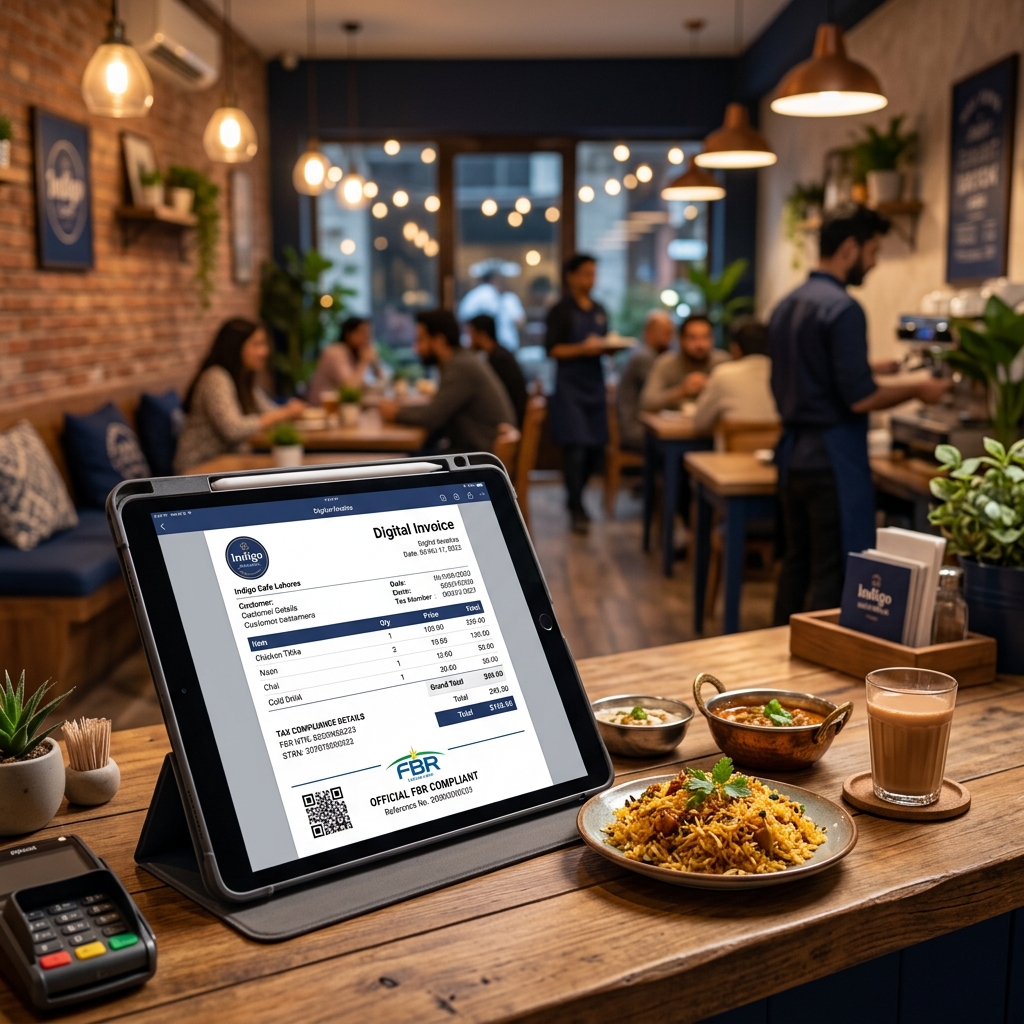
Every invoice generated through the FBR Digital Invoicing system includes a QR code that contains encoded transaction data. This QR code serves as a digital seal of authenticity, allowing anyone – customers, auditors, or tax officials – to instantly verify that an invoice is genuine and recorded in the FBR system.
Why Are QR Codes Mandatory?
- Transparency: Customers can verify that their purchase is properly recorded with FBR
- Anti-Fraud: Prevents businesses from issuing fake invoices or underreporting sales
- Tax Credit Validation: Buyers can confirm that the input tax credit on an invoice is legitimate
- Audit Trail: Creates a verifiable chain of transactions for tax authorities
How to Verify an FBR Invoice – 3 Methods
Method 1: Tax Asaan App (Recommended)
- Download the Tax Asaan app from Google Play Store or Apple App Store
- Open the app and select the Verify Invoice option
- Scan the QR code printed on the invoice
- The app will display the invoice details and confirmation status
Method 2: Online Portal
- Visit the FBR online verification portal
- Enter the invoice number manually
- View the verification result
Method 3: SMS Verification
- Send the invoice number via SMS to 9966 (FBR verification service)
- Receive a confirmation response
What Information Does the QR Code Contain?
The QR code on an FBR-compliant invoice typically encodes:
- Invoice Reference Number (IRN)
- Seller's NTN (National Tax Number)
- Invoice date and time
- Total amount including tax
- FBR verification URL
Consequences of Missing or Invalid QR Codes
- The invoice is considered non-compliant
- Buyers cannot claim input tax adjustment on the purchase
- The seller faces penalties under Section 33 of the Sales Tax Act
- Repeat violations can lead to business sealing
How Logic Layer Handles QR Code Generation
Logic Layer's FBR Digital Invoicing Software automatically generates QR codes for every submitted invoice. The process is fully automated:
- Invoice data is validated via the FBR API
- Validated invoice is submitted to FBR
- FBR returns the IRN and verification data
- QR code is generated and embedded in the invoice template
- Professional invoice with QR code is ready for printing or emailing
Get FBR-Compliant Invoicing with Automatic QR Codes →
Logic Layer Pvt. Ltd. – Code Your Vision Into Reality
WhatsApp: 0345-2416827 | Call: 0310-0100620