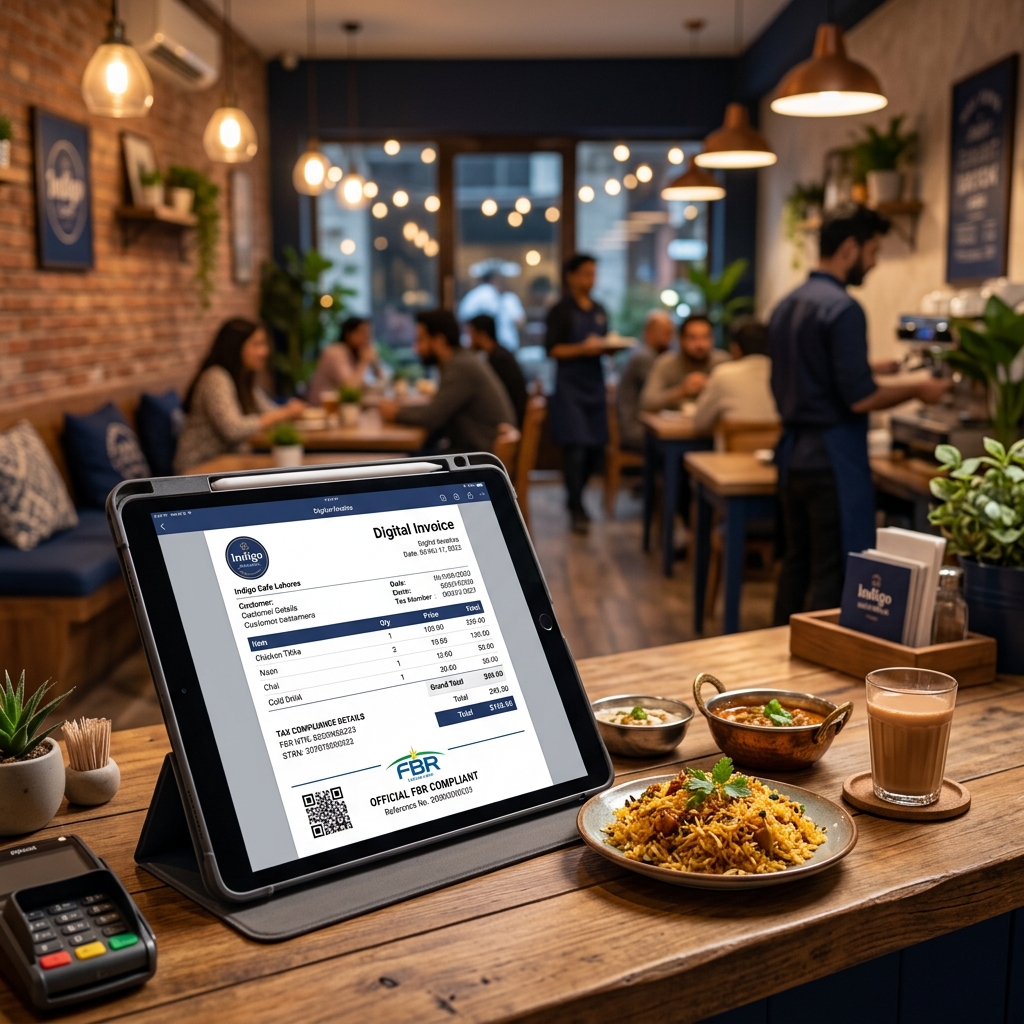
If you own or operate a restaurant, cafeteria, or cafe in Pakistan, FBR Digital Invoicing compliance is no longer optional. The Federal Board of Revenue has mandated that food service establishments in commercial areas and malls must integrate their invoicing systems with FBR's Digital Invoicing platform.
Are You Required to Comply?
You must integrate with FBR Digital Invoicing if your restaurant meets any of these criteria:
- Located in a shopping mall or commercial plaza
- Operating as part of a chain with 3+ outlets
- Annual electricity bill exceeds PKR 1.2 million
- Located in a commercial area designated by FBR
- Registered for Sales Tax with FBR
- Monthly turnover exceeds specified thresholds
Why FBR is Targeting Restaurants
Restaurants represent a significant portion of Pakistan's service sector economy. FBR data suggests that substantial tax revenue is lost in the food service industry due to cash transactions not being recorded, underreporting of daily sales, not charging appropriate GST/sales tax, and missing or incorrect tax invoices.
Restaurant-Specific FBR Requirements
What Tax Applies to Restaurant Sales?
| Tax Type | Rate | Notes |
|---|---|---|
| General Sales Tax (GST) | 18% | Applied on total bill amount |
| Further Tax | 3% | If customer not on ATL |
| Provincial Sales Tax | Varies | Different rates by province |
Required Information on Every Invoice
- Your business name and STRN
- Invoice date and time
- Unique invoice reference number
- Item-wise breakdown (food items, beverages, charges)
- Tax amount calculated separately
- Total amount payable
- FBR-generated QR code (verifiable via Tax Asaan app)
- Customer information (NTN/CNIC for B2B; generic for walk-in)
How to Set Up FBR Digital Invoicing for Your Restaurant
Step 1: Register for FBR Digital Invoicing
- Login to IRIS FBR Portal
- Navigate to Digital Invoicing section
- Select PRAL as your integrator (free)
- Obtain your API credentials
Step 2: Choose Your Software
For restaurants, you need software that is fast, simple, mobile-friendly, and reliable. Logic Layer's FBR Digital Invoicing meets all these requirements and adds unique features like WhatsApp invoice sharing (perfect for delivery orders) and a mobile app.
Step 3: Set Up Your Menu Items
Create your menu items with item name, HS Code, Unit of Measurement, price, and applicable tax category.
Step 4: Train Your Staff
Staff training typically takes under 30 minutes. Key training points include creating a new invoice for each order, adding items, handling walk-in customers, and printing the invoice with QR code.
Step 5: Go Live
Switch from sandbox to production mode and start issuing FBR-verified invoices for every sale.
Daily Operations Workflow
- Customer orders → Staff creates a new invoice
- Add items → Select menu items, quantities
- Tax auto-calculates → GST, further tax calculated automatically
- Submit to FBR → One-click submission in under 2 seconds
- Print invoice → QR code included for customer verification
- For delivery → Share invoice via WhatsApp to customer
- End of day → Check daily sales dashboard
Common Concerns from Restaurant Owners
Will this slow down my service during rush hours?
No. Modern FBR invoicing software like Logic Layer submits invoices in under 2 seconds. It's faster than manual bill writing.
What about walk-in customers who don't have NTN?
Walk-in (B2C) customers can be invoiced using a generic CNIC or selecting "Walk-in Customer." FBR allows this for retail transactions.
My staff isn't tech-savvy. Is this complicated?
Logic Layer's interface is designed to be simple. Adding items to an invoice is like adding items to a shopping cart.
What if the internet goes down?
You can continue serving customers and queue invoices for submission when connectivity resumes.
I have multiple outlets. Can I manage them all from one account?
Yes, Logic Layer's Enterprise plan supports unlimited users and can be configured for multiple outlets with centralized reporting.
Get Started Today
Don't wait for FBR to seal your restaurant. Get compliant now with Logic Layer FBR Digital Invoicing — starting from just PKR 2,500/month.
📞 Contact us for a restaurant-specific demo.